Convert JPG to WEBP
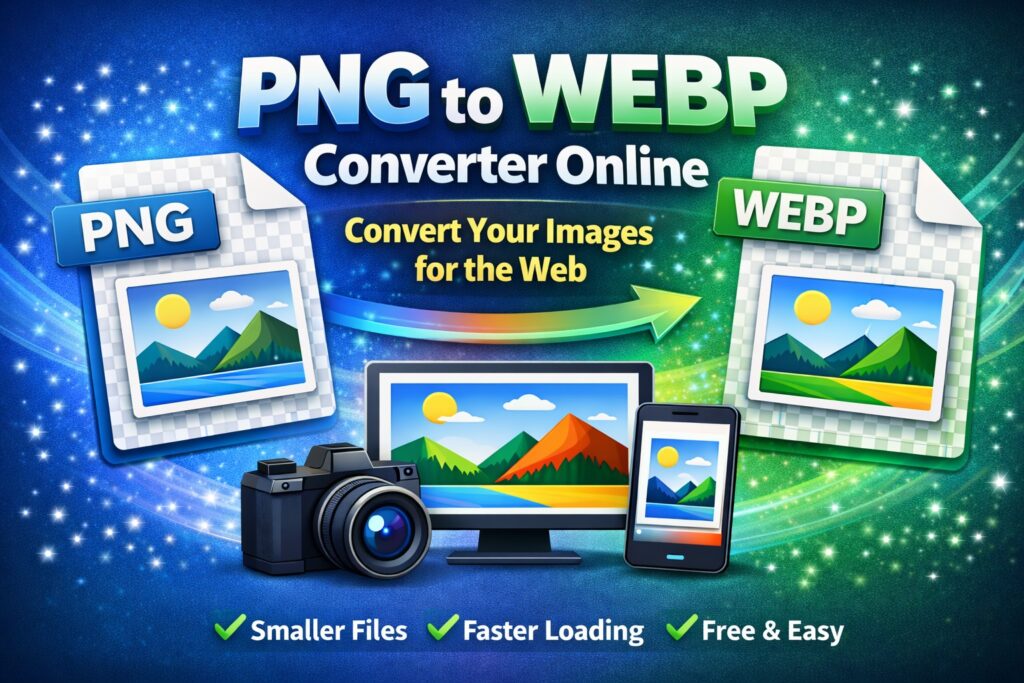
Convert JPG images to WEBP instantly. All processing happens in your browser.
Drop JPG files here
orTry more free image converter & compression tools
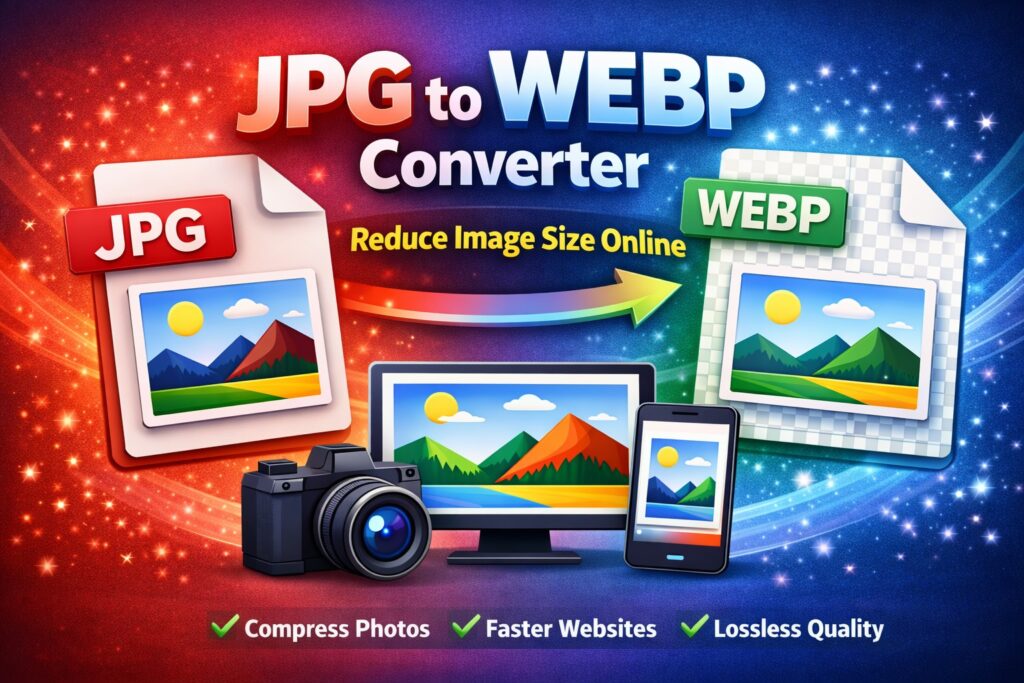
आज के समय में website speed, user experience और SEO के लिए images का optimization बेहद ज़रूरी हो गया है। Heavy images की वजह से website slow हो जाती है, bounce rate बढ़ता है और Google ranking पर भी असर पड़ता है। इसी समस्या का सबसे अच्छा समाधान है JPG to WEBP Converter – Reduce Image Size Online.
WEBP एक modern image format है जिसे Google ने develop किया है। यह JPG की तुलना में कम size में high quality images provide करता है। इस article में हम विस्तार से जानेंगे कि JPG to WEBP converter क्या है, इसकी ज़रूरत क्यों है, कैसे काम करता है और website performance के लिए यह क्यों जरूरी है।
JPG Image Format क्या है?
JPG (या JPEG – Joint Photographic Experts Group) सबसे ज़्यादा इस्तेमाल होने वाला image format है।
JPG की खासियतें:
- Photos के लिए best
- File size PNG से कम
- Almost हर device और browser में support
- Lossy compression (थोड़ी quality loss होती है)
JPG images camera photos, blog images और social media पर widely use होती हैं, लेकिन website speed के लिए ये कभी-कभी heavy हो जाती हैं।
WEBP Image Format क्या है?
WEBP एक next-generation image format है जिसे Google ने introduce किया। यह lossy और lossless दोनों compression support
WEBP की खासियतें:
- JPG से 25–35% कम file size
- High image quality
- Transparent background support
- Animation support
- Faster website loading
आज के समय में Chrome, Edge, Firefox और लगभग सभी modern browsers WEBP format support करते हैं।
JPG to WEBP Converter की ज़रूरत क्यों पड़ती है?
1. Website Speed Improve करने के लिए
WEBP images हल्की होती हैं, जिससे website जल्दी load होती है।
2. SEO Ranking Boost के लिए
Google fast-loading websites को preference देता है। WEBP images SEO-friendly होती हैं।
3. Mobile Users के लिए बेहतर Experience
Mobile internet speed कम होने पर भी WEBP images fast load होती हैं।
4. Storage Space बचाने के लिए
कम image size की वजह से server storage कम use होता है।
JPG to WEBP Converter Online क्या है?
JPG to WEBP Converter Online एक web-based tool होता है जो आपकी JPG images को WEBP format में convert करता है, वो भी बिना कोई software install किए।
ये tools browser में काम करते हैं और ज़्यादातर free होते हैं।
JPG to WEBP Converter कैसे काम करता है?
Online JPG to WEBP converter का process बहुत simple होता है:
- User JPG image upload करता है
- Tool image को analyze करता है
- JPG data को WEBP compression algorithm से convert करता है
- High-quality WEBP image generate होती है
- User converted image download कर लेता है
पूरी process कुछ seconds में complete हो जाती है।
JPG to WEBP Converter – Reduce Image Size Online के फायदे
✅ Image Size कम होता है
WEBP images JPG से काफी छोटी होती हैं।
✅ Image Quality Maintain रहती है
High compression के बावजूद quality almost same रहती है।
✅ Website Performance Improve होती है
Fast loading = better user experience.
✅ Google PageSpeed Score Improve होता है
WEBP images PageSpeed Insights में recommended होती हैं।
✅ Free & Easy to Use
कोई technical knowledge ज़रूरी नहीं।
JPG to
WEBP Converter Online कैसे इस्तेमाल करें? (Step-by-Step)
Step 1: JPG Image Upload करें
Convert करने के लिए अपनी JPG image select करें या drag & drop करें।
Step 2: Convert to WEBP पर Click करें
Upload के बाद convert button दबाएँ।
Step 3: Image Processing
Tool automatic compression और conversion करता है।
Step 4: WEBP Image Download करें
कुछ seconds में converted WEBP image download करें।
JPG vs WEBP – Comparison Table
| Feature | JPG | WEBP |
|---|---|---|
| File Size | Medium | Very Small |
| Compression | Lossy | Lossy + Lossless |
| Image Quality | Good | Excellent |
| Transparency | ❌ No | ✅ Yes |
| SEO Friendly | ❌ Limited | ✅ Yes |
| Page Speed | Medium | Fast |
Website Owners के लिए WEBP क्यों ज़रूरी है?
- Faster page load time
- Better Core Web Vitals score
- Lower bounce rate
- Better Google ranking
- Improved mobile performance
अगर आप AdSense, affiliate या content-based website चला रहे हैं, तो WEBP format use करना almost mandatory हो चुका है।
JPG to WEBP Converter किन लोगों के लिए उपयोगी है?
- Bloggers
- Website owners
- WordPress users
- Digital marketers
- Developers
- Students
WordPress में WEBP Images कैसे Use करें?
- Modern WordPress versions WEBP support करते हैं
- Cache plugins (WP Rocket, LiteSpeed) auto WEBP serve करते हैं
- CDN (Cloudflare) WEBP images deliver करता है
JPG को WEBP में convert करके upload करना best practice है।
Common FAQs (Frequently Asked Questions)
Q1. क्या JPG to WEBP conversion free है?
हाँ, ज़्यादातर online tools free होते हैं।
Q2. क्या WEBP images सभी browsers में काम करती हैं?
हाँ, सभी modern browsers WEBP support करते हैं।
Q3. क्या WEBP image quality खराब होती है?
नहीं, WEBP high compression के साथ quality maintain रखता है।
Q4. क्या SEO के लिए WEBP बेहतर है?
हाँ, fast loading की वजह से SEO improve होता है।
Conclusion
JPG to WEBP Converter – Reduce Image Size Online आज के समय में हर website owner के लिए एक ज़रूरी tool बन चुका है। यह न सिर्फ image size कम करता है बल्कि website speed, SEO और user experience को भी improve करता
अगर आप चाहते हैं कि आपकी website fast load हो, Google में better rank करे और visitors को smooth experience मिले, तो JPG images को WEBP format में convert करना सबसे सही कदम है।
👉 आज ही JPG to WEBP Converter Online का इस्तेमाल करें और अपनी website को next level पर ले जाएँ।
Keyword Focus: JPG to WEBP Converter, Reduce Image Size Online, Convert JPG to WEBP, Image Optimization Tool, WEBP Image Converter