Convert JPG to PNG
Convert JPG images to PNG instantly. All processing happens in your browser.
Drop JPG files here
orTry more free image converter & compression tools
आज के डिजिटल युग में website speed, SEO और user experience किसी भी online platform की सफलता के लिए बहुत ज़रूरी हो गए हैं। Images website का अहम हिस्सा होती हैं, लेकिन heavy image size आपकी site को slow बना सकता है। खासकर PNG images, जो high quality और transparency के कारण popular हैं, लेकिन size में काफी बड़ी होती हैं।
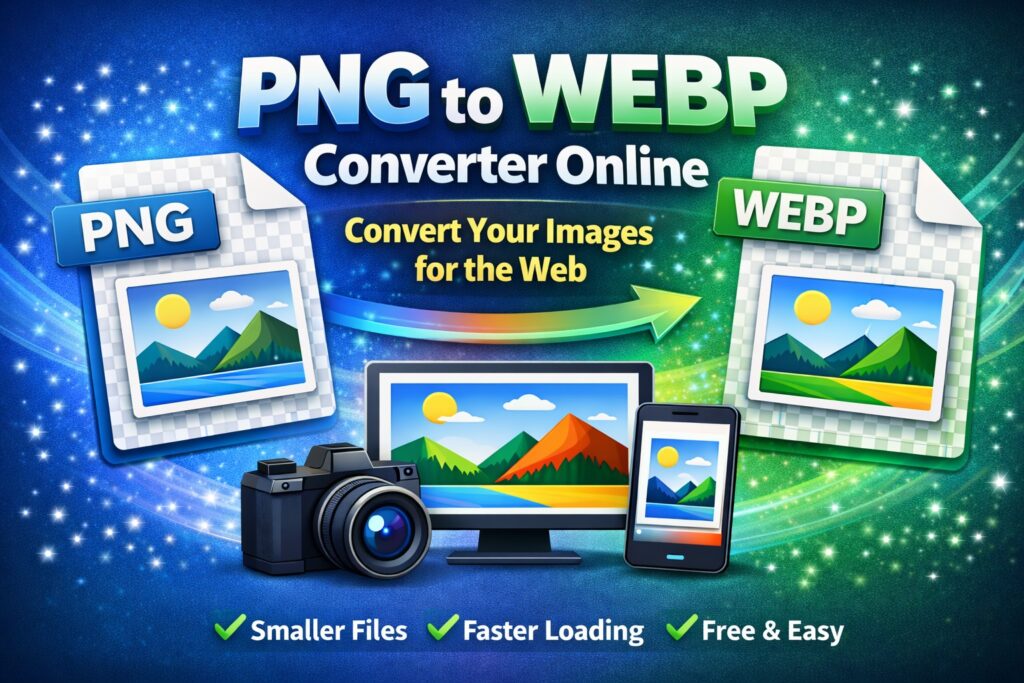
इसी समस्या का सबसे अच्छा समाधान है PNG to WEBP Converter Online। WEBP एक modern image format है जो PNG की तुलना में बहुत कम size में same या बेहतर quality देता है। इस article में हम विस्तार से जानेंगे कि PNG to WEBP converter क्या है, इसकी ज़रूरत क्यों पड़ती है, कैसे काम करता है और website owners के लिए यह क्यों जरूरी है।
PNG Image Format क्या है?
PNG (Portable Network Graphics) एक popular lossless image format है। यह image quality को बिना खराब किए store करता है और transparency support करता है।
PNG की खासियतें:
- Lossless compression
- Transparent background support
- Logos, icons और graphics के लिए best
- Text और sharp edges clear रहते हैं
PNG की limitation:
- File size बहुत बड़ा होता है
- Website loading speed slow हो सकती है
WEBP Image Format क्या है?
WEBP एक next-generation image format है जिसे Google ने develop किया
WEBP की खासियतें:
- PNG से 25–40% तक कम file size
- Lossless और lossy दोनों compression support
- Transparent background support
- Faster website loading
- SEO-friendly format
आज लगभग सभी modern browsers WEBP images support करते हैं।
PNG to WEBP Converter की ज़रूरत क्यों पड़ती है?
1. Image Size कम करने के लिए
PNG images heavy होती हैं, WEBP उन्हें lightweight बना देता है।
2. Website Speed Improve करने के लिए
Fast loading pages user experience और SEO दोनों के लिए जरूरी हैं।
3. Core Web Vitals Improve करने के लिए
WEBP images LCP और CLS score improve करने में मदद करती हैं।
4. Server Bandwidth और Storage बचाने के लिए
Smaller images = कम data transfer।
PNG to WEBP Converter Online क्या है?
PNG to WEBP Converter Online एक web-based tool होता है जो PNG images को WEBP format में convert करता है, वो भी बिना कोई software install किए।
ये tools browser में सीधे काम करते हैं और beginners के लिए भी आसान होते हैं।
PNG to WEBP Converter कैसे काम करता है?
PNG to WEBP conversion process बहुत simple होता है:
- User PNG image upload करता है
- Tool image data analyze करता है
- PNG को WEBP compression algorithm से convert करता है
- High-quality WEBP image generate होती है
- User converted image download कर लेता है
पूरी process कुछ seconds में complete हो जाती है।
PNG to WEBP Converter Online के फायदे
✅ File Size में भारी कमी
PNG के मुकाबले WEBP images काफी छोटी होती हैं।
✅ Image Quality Maintain रहती है
Lossless WEBP में quality बिल्कुल खराब नहीं होती।
✅ Transparent Background Support
PNG की तरह WEBP भी transparency support करता है।
✅ Website Performance Improve होती है
Fast images से bounce rate कम होता है।
✅ SEO Ranking Improve होती है
Google fast websites को prefer करता है।