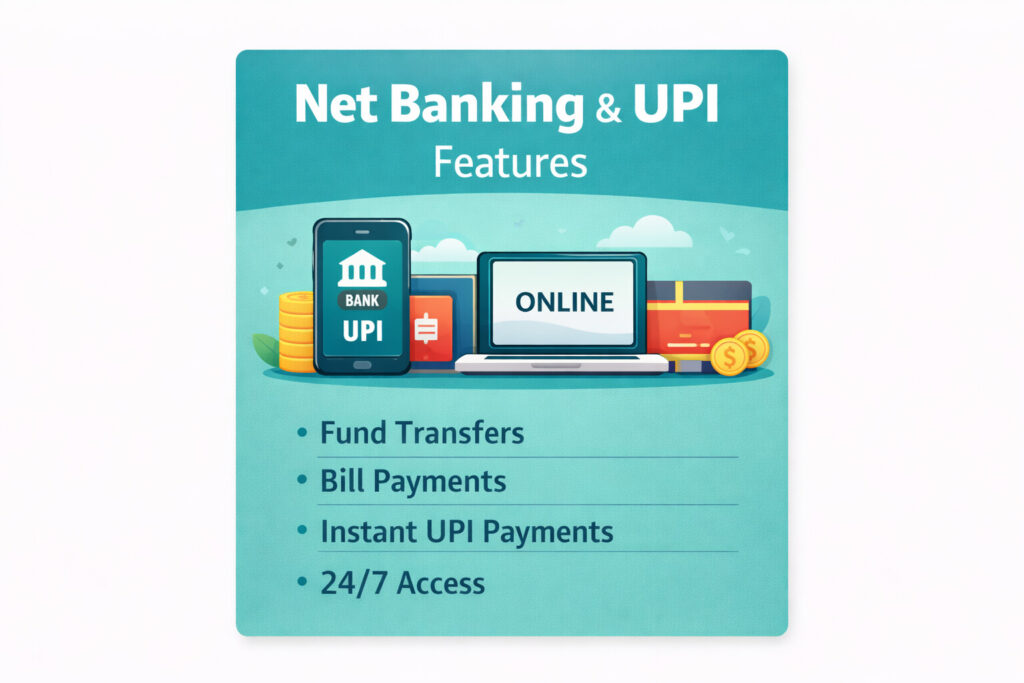
Introduction
आज के digital India में Net Banking और UPI ने banking को बेहद आसान बना दिया है। अब पैसे transfer करने, bills भरने, shopping करने या account manage करने के लिए bank branch जाने की ज़रूरत नहीं पड़ती।
Mobile phone और internet के ज़रिए, Net Banking और UPI ने cashless और fast transactions को possible बना दिया है।
इस detailed guide में हम जानेंगे:
- Net Banking और UPI क्या है
- Net Banking और UPI registration कैसे करें
- Uses, limits और charges
- Net Banking vs UPI
- Safety tips और common mistakes
यह article
What is Net Banking?
Net Banking (Internet Banking) एक online banking service है जिसके ज़रिए आप:
- Account balance check कर सकते हैं
- Fund transfer (NEFT, RTGS, IMPS) कर सकते हैं
- FD/RD open कर सकते हैं
- Bills, taxes और credit card payment कर सकते हैं
👉 Net Banking को desktop या mobile browser से access किया जाता है।
What is UPI?
UPI (Unified Payments Interface) एक instant payment system है जिसे NPCI ने develop किया है।
UPI की मदद से आप:
- Mobile number या UPI ID से पैसे भेज सकते हैं
- QR code scan करके payment कर सकते हैं
- 24×7 real-time transactions कर सकते हैं
👉 UPI transactions कुछ ही seconds में complete हो जाते हैं।
Difference Between Net Banking and UPI
| Feature | Net Banking | UPI |
|---|---|---|
| Platform | Bank website/app | UPI apps |
| Speed | Moderate | Instant |
| Login | User ID + Password | UPI PIN |
| Limit | Higher | Limited per transaction |
| Best For | Account management | Daily payments |
👉 Large transactions → Net Banking
👉 Daily small payments → UPI
How to Register for Net Banking (Step-by-Step)
🟢 Step 1: Visit Bank Website
अपने bank की official website पर जाएँ और Net Banking Register option चुनें।
🟢 Step 2: Enter Account Details
- Account number
- Registered mobile number
🟢 Step 3: OTP Verification
Registered mobile number पर OTP आएगा।
🟢 Step 4: Create Login Credentials
- User ID
- Login password
- Transaction password
🟢 Step 5: Login & Activate
अब आप Net Banking services use कर सकते हैं।
How to Register for UPI (Step-by-Step)
🟢 Step 1: Install UPI App
Popular UPI apps:
- Google Pay
- PhonePe
- Paytm
- BHIM
🟢 Step 2: Register Mobile Number
Same number होना चाहिए जो bank account से linked है।
🟢 Step 3: Select Bank Account
App automatically linked account detect करेगा।
🟢 Step 4: Set UPI PIN
Debit card details या Aadhaar based verification से PIN set करें।
🟢 Step 5: Start Using UPI
अब आप instant payments कर सकते हैं।
Uses of Net
Banking
✅ Fund Transfer
- NEFT
- RTGS
- IMPS
✅ Deposits & Investments
- FD/RD open करना
- Mutual fund investment
✅ Bill Payments
- Electricity
- Water
- Mobile recharge
✅ Account Services
- Statement download
- Cheque book request
- Stop cheque
Uses of UPI
✅ Peer-to-Peer Transfer
Friends और family को instant money transfer
✅ Merchant Payments
Shops, online shopping, food delivery
✅ Utility Bills
Electricity, gas, DTH, mobile recharge
✅ Subscription Payments
OTT, apps और services
Transaction Limits & Charges
🔹 UPI Limits
- Per transaction: ₹1 lakh (generally)
- Daily limit: Bank/app dependent
🔹 Net Banking Limits
- NEFT/RTGS limits higher
- Bank-specific caps apply
💰 Charges
- UPI: Mostly FREE
- Net Banking:
- NEFT usually free
- RTGS may have small charges
Safety Tips for Net Banking & UPI
🔐 Net Banking Safety
- Strong password रखें
- Public Wi-Fi से login न करें
- Bank website URL check करें
🔐 UPI Safety
- OTP या UPI PIN किसी से share न करें
- Unknown QR code scan न करें
- Fraud calls से सावधान रहें
👉 Bank कभी भी OTP या PIN phone पर नहीं पूछता।
Common Frauds & How to Avoid Them
❌ Fake Calls & Messages
“Account block हो जाएगा” जैसे messages से बचें।
❌ Screen Sharing Apps
Fraudsters screen sharing app install करवा सकते हैं।
❌ Unknown Links
Unknown SMS/email links पर click न करें।
Net Banking & UPI for Senior Citizens
Senior citizens के लिए:
- Simple UPI apps (BHIM)
- Net Banking with limited transaction limits
- SMS alerts enable करना
Net Banking & UPI – Tax & Record Keeping
- Transactions का record automatically save होता है
- Income tax filing में useful
- Bank statements easily downloadable
Future of Digital Banking in India
India तेजी से cashless economy की तरफ बढ़ रहा है।
- UPI international expansion
- Voice-based UPI
- AI fraud detection
👉 आने वाले समय में digital banking और आसान व secure होगी।
FAQs – Net Banking & UPI
Q1. Is UPI safe in India?
Yes, UPI NPCI द्वारा regulated है और
Q2. Can I use UPI without internet?
No, UPI के लिए internet जरूरी है।
Q3. Which is better – Net Banking or UPI?
दोनों अलग purpose के लिए best हैं।
Q4. What to do if UPI payment fails?
Amount usually 24–48 hours में auto-refund हो जाता है।
Internal Links (SEO Important)
- 👉 Banking in India – Complete Guide (Pillar Page)
- 👉 Best Savings Account in India
- 👉 Zero Balance Account Opening Guide
Disclaimer
This article is for informational purposes only.
Banking rules, limits and charges may change over time.
Please verify details with your bank or official UPI app.